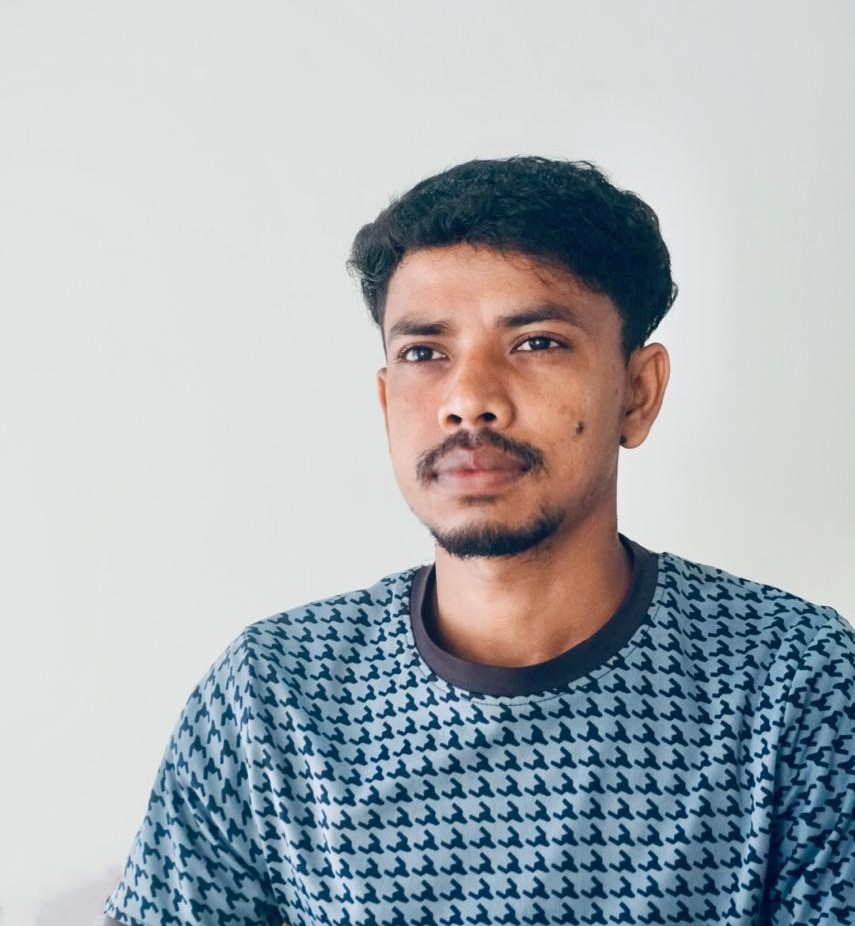
You have a recent passport-style photo right on your phone – one that was approved for another application, maybe a visa. That’s why you’re surprised when the upload page for the new document asks for a different photograph.
The problem may be technical rather than visual. Official photos are usually assessed in two ways: whether the image clearly represents the applicant, and whether the finished file meets the technical requirements.
A Passport-Style Photo Isn’t Necessarily a Universal File
A “passport-style photo” indicates a broad category of images. It doesn’t specify the resolution, proportions, format, or file size. Passport and visa agencies have overlapping but ultimately different requirements for the orientation of the face, the background, lighting, and even expressions.
The differences might appear in the technical specification – such as the need to print the photo rather than upload it – or in the way the image is cropped digitally. As a result, a photo that has passed one system’s review isn’t necessarily approved for another.
What Might Be Different in the Two Applications?
Submission method
First, ensure the submission method itself is compatible with the photo. The U.S. Department of State, for example, requires a printed 2-by-2-inch photo for a paper passport application. But online passport renewal requires a digital upload, and the online tool may reposition or crop the image. A file prepared for printing may therefore not fit the online frame correctly.
Image size, proportions, and head positioning
Image dimensions aren’t fixed across passport and visa applications, or even across different systems within the same country. A printed U.S. passport photo has a square shape, and India’s regular online visa application also requires equal height and width. Current UK visa photo guidance, by contrast, requires a vertical image at least 600 pixels wide and 750 pixels high.
The head should also be positioned within the image frame so that it isn’t too large or small. A photo can show the applicant clearly and still have the wrong proportions.
File format, upload method, and file size
A photo that opens normally on a phone is not guaranteed to be accepted by a government portal. India’s regular online visa application, for example, requires a JPEG file between 10 and 300 KB. UK visa photo guidance allows JPG or JPEG files from 50 KB to 6 MB.
For U.S. online passport renewal, the U.S. Department of State accepts several digital file formats and requires a file between 54 KB and 10 MB. Simply renaming a file does not convert it into another format, so the exported file itself must meet the portal’s technical requirements. Messaging apps and other services can also resample an image, so that a saved photo isn’t identical to the original.
Recency and reuse rules
One of the most critical differences between photos for different documents is when they were taken. U.S. passport photos and U.S. visa photos generally must have been taken within the last six months, while UK passport applicants, for example, are required to provide a photo taken within the last month.
On the other hand, some systems explicitly prohibit using the same photo for related documents. According to current UK visa photo guidance, the visa photo must not be the same photo used in the applicant’s passport or identity card. This means that even a recent, technically acceptable photo may need to be replaced when the application does not allow the same image to be reused.
Can the Same Photo Be Reused?
In some cases, yes – but the source image and the resulting file both need to meet the requirements. A recent source photo with high resolution might be appropriate for multiple applications if they allow photo reuse. Separate cropped versions of this file could be prepared for different passport and visa systems, each of which would have particular requirements for image dimensions, cropping, and file size.
The exact same file should only be resubmitted when its orientation, recency, head position, file format, and size are all compatible with the new requirements. Approval from one system only confirms that the file met that system’s criteria.
A Safer Way to Prepare Each Version
Before preparing a passport or visa application photo, double-check the official page for the document and application method. Requirements can vary significantly between online and printed options, between e-Visas and standard visas, and even within one category. Keep a master copy of the original photo at high resolution and prepare separate copies based on the specific requirements for each application.
When the application allows it, the LevoTools Passport Photo Maker can help with cropping, resizing, background preparation, and exporting a separate JPG or PNG version. If the application sets a strict file-size limit, check the final exported file separately before uploading.
Avoid using effects that modify the appearance of the applicant in the photo. If the instructions say not to crop, resize, or otherwise alter the image, follow that instruction.
After downloading the modified version, make sure to check the file format, pixel dimensions, and other parameters. Double-check that the image is upright and not corrupted after exporting. File names such as “US-passport-print” or “India-visa-upload” might also help to distinguish between different passport and visa applications.
Before You Submit
Before uploading or printing the photo, check the following:
- Confirm that you are following the requirements for the exact document and application method.
- Make sure the photo was taken within the required period and that reuse is permitted.
- Check the background, orientation, crop, and head position.
- Confirm the accepted file format, dimensions, and file-size limit.
- Open the final exported file once to make sure it is the correct version and has not been damaged or rotated.
The most important question to ask yourself before uploading a passport or visa photo is not “Does this look like a passport-style photo?” but “Does this file meet the requirements for this particular application?” Each step of verification minimizes the risk of having to replace a rejected photo.